
Quick VPN for Android

QuickVPN is a free virtual private network (VPN) service Developed by Lipisoft. This program allows you to disguise your Internet Protocol (IP) address, encrypt your data, and overcome any restrictions that may exist in your country, such as prohibited sites, disabled services, and inaccessible content.
What is Quick VPN
QuickVPN is a free virtual private network (VPN) tool created by Lipisoft Inc. that enables users to browse the internet safely, discreetly, and without regional restrictions. QuickVPN, which is available for Android smartphones on the Google Play Store, has received millions of downloads globally because to its one-tap simplicity, fast connection speeds, and lightweight performance.
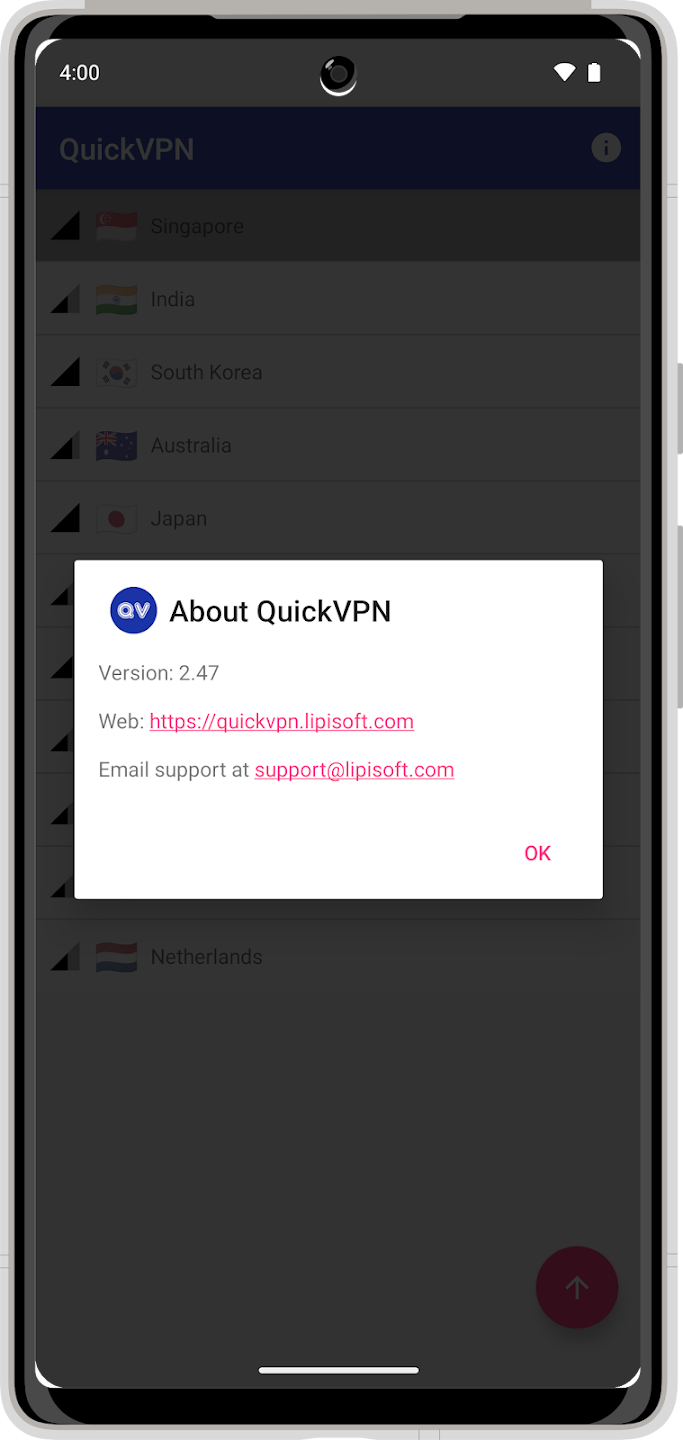
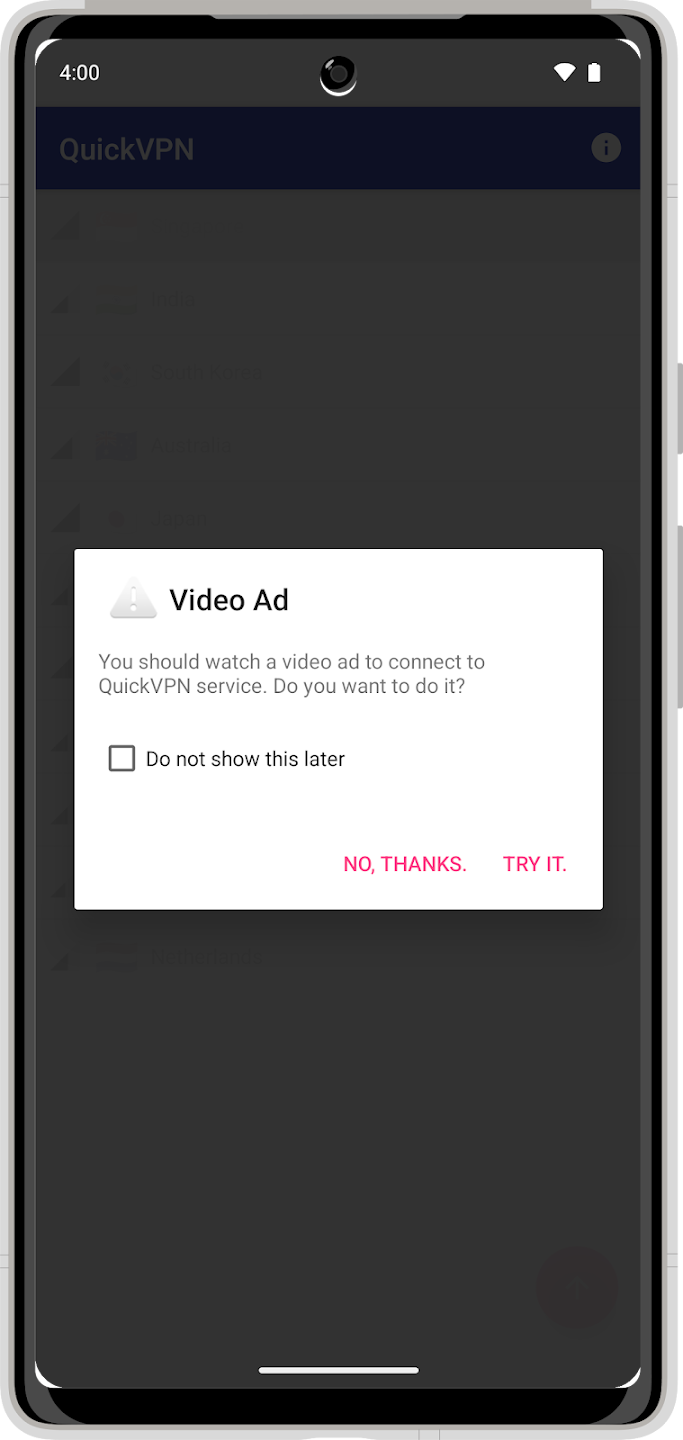
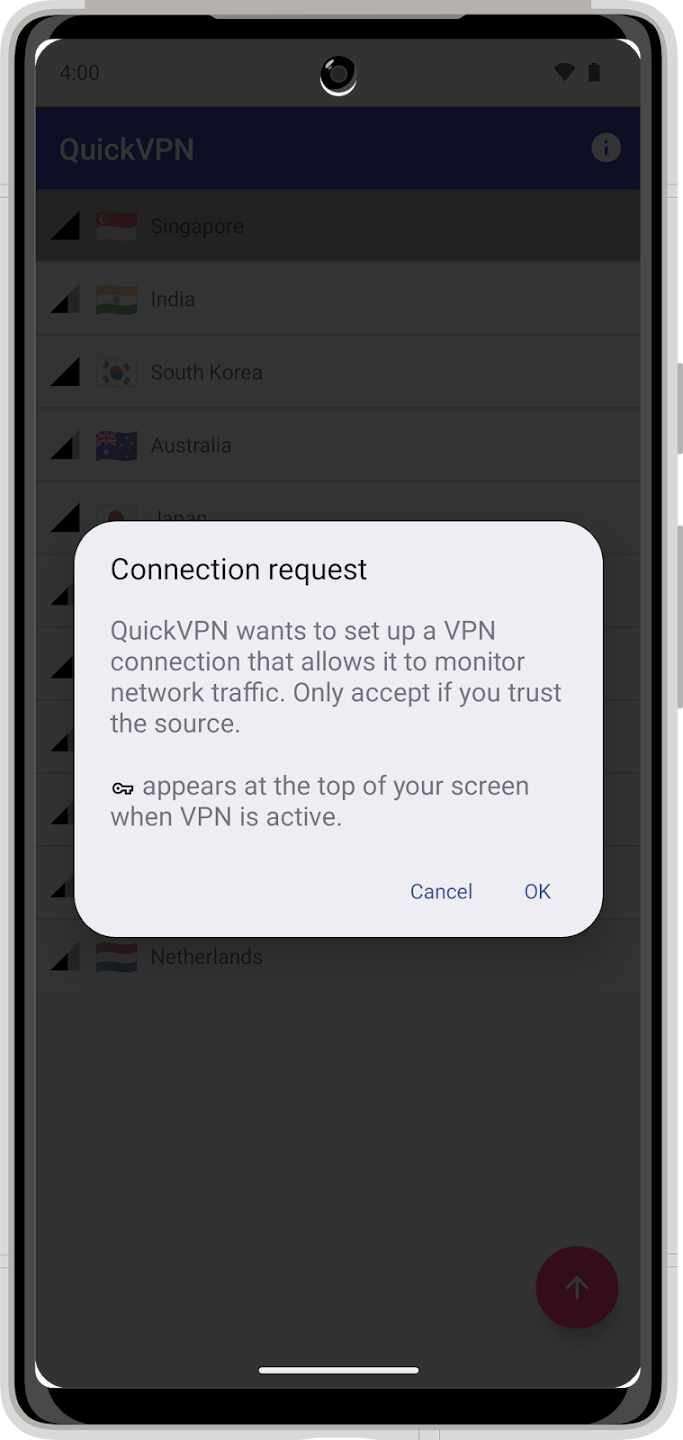
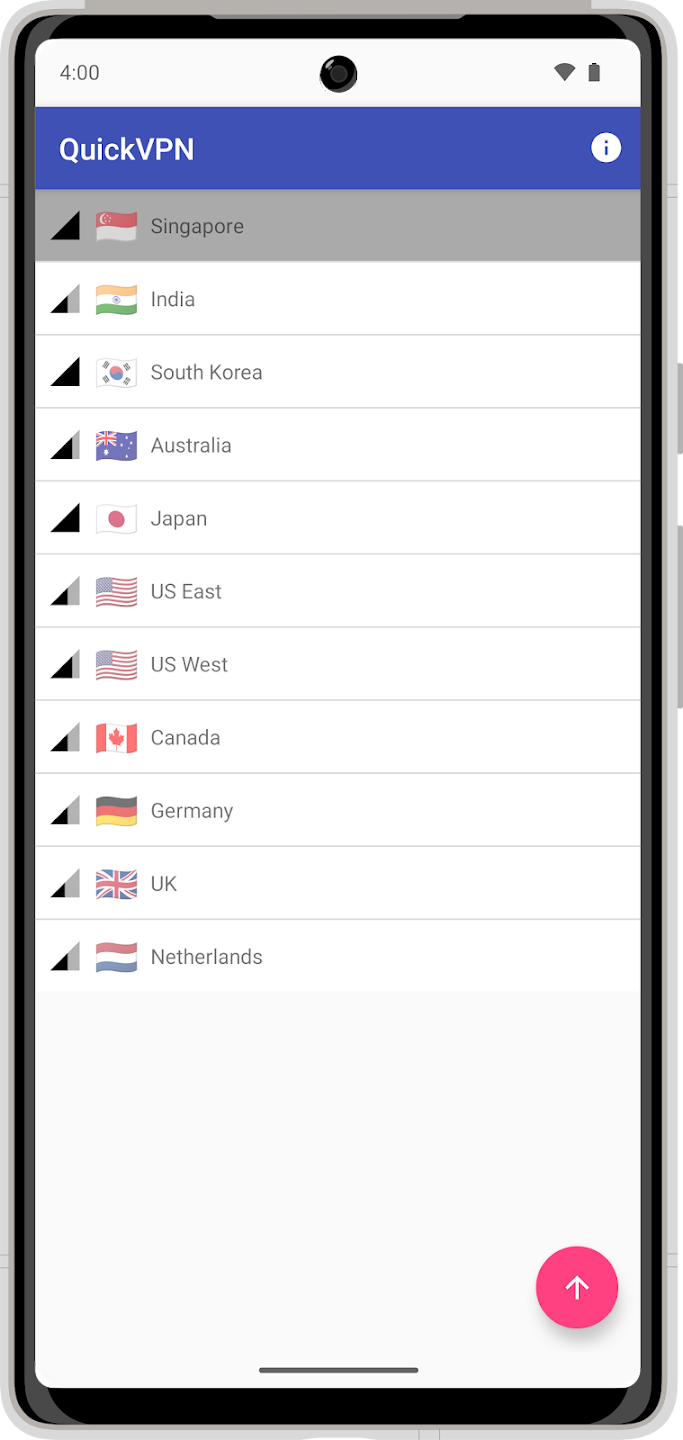
App Details
| Name | Quick VPN |
| Type | Tools |
| Version | 2.52 |
| Size | 12.2 MB |
| Last Update | September 16, 2025 |
| Downloads | 879.9K |
| Android Requirement | 6.0+ |
Why Choose QuickVPN?
In today’s digital environment, online privacy, security, and unlimited access are critical. Whether you’re browsing the internet, streaming overseas TV, or using public Wi-Fi, your data is constantly at risk of being followed or exposed. That’s where QuickVPN stands out: it’s a quick, simple, and dependable solution that allows you to access to the internet freely and securely with a single tap.
Here’s why millions of users around the world choose QuickVPN over other free VPN services:
1. Instant One-Tap Connection
QuickVPN certainly lives up to its name. You do not need to sign up, log in, or configure any difficult settings. With just one press, you may connect to a secure VPN server in seconds. QuickVPN’s simplicity makes it ideal for newcomers looking for fast privacy with no trouble.
2. Global Server Network
QuickVPN provides access to servers in a variety of locations, including the United States, United Kingdom, Singapore, India, Germany, and Japan. Whether you want to access region-locked content, improve connection stability, or simply browse as if you were in another country, QuickVPN allows you to switch locations at any time.
3. Enhanced Security & Privacy
Online risks abound, ranging from hackers on public Wi-Fi to websites that track your surfing habits. QuickVPN protects you with AES-based encryption, guaranteeing that your data remains safe and unreadable to outsiders. This encrypted tunnel hides your IP address and protects your personal information, giving you piece of mind every time you connect.
4. Fast and Stable Performance
Unlike many free VPNs that slow down your internet connection, QuickVPN is designed for speed and reliability. It connects you to the quickest available server, which reduces lag and improves streaming or gaming performance. Whether you’re watching HD films or playing online games, you can expect a smooth experience with little buffering.
5. 100% Free to Use
QuickVPN gives unlimited VPN access for free, with no memberships or hidden fees. You can connect as much as you like without worrying about data limits or payment plans. This makes it an excellent choice for users seeking reliable online safety without having to spend money on expensive premium VPNs.
6. Lightweight and User-Friendly Design
QuickVPN is intended to be lightweight and efficient, taking up little space on your device and using very little power or bandwidth. Its easy design ensures that anyone, including first-time VPN users, may use it with ease.
7. Bypass Geo-Restrictions with Ease
Many websites and streaming services restrict access based on your region. With QuickVPN, you can rapidly change your virtual location, allowing you to access worldwide content and apps that may be restricted in your region. Whether it’s Netflix, social media, or news sites, QuickVPN allows you to stay connected without restrictions.
8. Secure Public Wi-Fi Connections
Public Wi-Fi networks are convenient but frequently hazardous. Hackers can simply intercept unencrypted connections. QuickVPN encrypts your data while you use Wi-Fi at cafés, airports, or hotels, protecting your passwords, emails, and personal information from thieves.
9. Regular Updates & Maintenance
Lipisoft Inc actively maintains QuickVPN and updates it on a regular basis. This ensures continuing performance improvements, bug fixes, and higher security standards. You can count on regular upgrades to provide a better, safer browsing experience.
10. Trusted by Millions of Users
With over 10 million downloads on the Google Play Store and a high user rating, QuickVPN has gained the trust of users all around the world. Its appeal stems from its steady service, simplicity, and high performance, all of which are provided for free.
How to Download Quick VPN on Phone?
1. Get the App File
First, click the “Download Quick VPN” option at the top of the site. Following that, the Quick VPN APK file will be downloaded to your mobile device.
2. Locate the File
Launch your phone’s Files app. Look through the Downloads folder. If you can’t find it, try searching for “Quick VPN” in the Files app.
3. Install
Tap on the Quick VPN file. When your phone prompts you to install, tap “Install”.
How to Use Quick VPN?
QuickVPN is exceptionally simple to use, with no complicated setup, sign-ups, or technical skills necessary. The app is intended for all users, regardless of skill level. With a few taps, you can encrypt your internet connection and gain limitless access to online content from anywhere in the globe.
Follow this simple step-by-step guide to begin using QuickVPN effectively:
Step 1: Download and Install QuickVPN
Click Download Now Button.
Wait for Download to Complete.
Locate the Apk File.
install the Quick VPN.
💡 Tip: Always download QuickVPN from the official Google Play Store to ensure you’re getting the safe and verified version of the app.
Step 2: Launch the App
After installation, open the QuickVPN app. You’ll be met with a sleek, straightforward interface that displays a list of possible nations or server locations. There is no need to join up or establish an account; you may start using it right away.
Step 3: Select Your Server Location
QuickVPN offers servers in multiple countries, such as:
🇺🇸 United States
🇬🇧 United Kingdom
🇸🇬 Singapore
🇮🇳 India
🇩🇪 Germany
🇯🇵 Japan
…and more.
Simply select the country you wish to connect to. For example, if you want to access websites or films that are only available in the United States, select the server located there.
Step 4: Tap “Connect”
After selecting your favorite server, press the “Connect” button.
QuickVPN will connect to the selected server securely in seconds. Once connected, your true IP address will be obscured, and your internet traffic will be encrypted.
You’ll see a key or shield icon at the top of your screen, indicating that the VPN is active and your connection is secure.
Step 5: Browse Safely and Freely
You can now browse the internet, stream content, and use your favorite apps without any limits.
Your connection is secure, your identity is private, and your location is displayed as if you are browsing from the specified nation.
You can test your new IP location by visiting any “What’s my IP” website or streaming service that was previously blocked in your region.
Step 6: Disconnect Anytime
When you are finished, simply return to the QuickVPN app and select “Disconnect.”
This will restore your normal internet connection and terminate the VPN tunnel.
💡 Tip: You can reconnect anytime with just one tap whenever you need privacy, protection, or access to restricted content.
App Reviews
Frequently Asked Questions
Is QuickVPN free to use?
Yes, QuickVPN is completely free to download and use. It provides unlimited VPN connections without having a paid subscription. However, because it is a free service, it may contain advertisements to help fund its upkeep and expansion.
Do I need to create an account to use QuickVPN?
No, you do not have to register, join up, or provide any personal information. Simply download the app from the Google Play Store, launch it, choose a server location, and then hit “Connect.” It’s totally anonymous and hassle-free.
How many server locations does QuickVPN have?
QuickVPN has servers in several countries, including the United States, the United Kingdom, Singapore, India, Germany, Japan, and more. This allows you to simply switch between virtual locations and access worldwide websites or streaming services.
Is QuickVPN safe to use?
QuickVPN encrypts your internet connection and protects your personal information from hackers, trackers, and ISPs. However, because it is a free VPN, users should be aware that it may gather limited technical data, as described in the Google Play Data Safety section. It’s safe for ordinary privacy and browsing, but for extremely sensitive activities, you should use a premium VPN with audited no-log rules.
Does QuickVPN work with Wi-Fi and mobile data?
Yes! QuickVPN supports all connection types, including Wi-Fi, 3G, 4G, LTE, and 5G. Whether you’re using home internet or mobile data, you may activate the VPN at any time to ensure secure and private access.
Can QuickVPN unblock streaming websites like Netflix or YouTube?
In most circumstances, the answer is yes. QuickVPN allows you to access region-locked content on platforms like YouTube, Netflix, and other streaming services. However, because streaming services often upgrade their VPN detection methods, performance may differ depending on which server you choose.